What Does an MSP Actually Do Every Day? A Week in the Life of Your Managed IT Provider
You signed the contract with an MSP — a managed service provider, meaning a company that handles your IT on an ongoing basis rather than just showing up whe...
TopMSPs Editorial
MSP Research Team

You signed the contract with an MSP — a managed service provider, meaning a company that handles your IT on an ongoing basis rather than just showing up when something breaks. Maybe you're paying $800 a month, maybe $3,000. Either way, a few weeks in, you find yourself wondering: what are they actually doing? Your computers seem fine. Nobody's called you about a problem. Is this working, or are you just paying for someone to sit by a phone?
That feeling is more common than you'd think. The whole point of managed IT is that good work is invisible. The problems that don't happen don't announce themselves. But "trust us, we're preventing disasters" isn't a satisfying answer when you're writing a check every month — so let's open the hood.
This post walks through what a real MSP does across a typical week: the unglamorous, routine work that keeps a 15-person law firm or a 30-person dental practice running without drama. Some of it will surprise you. Most of it will make you realize that "IT support" is a much bigger job than most small business owners expect.
Monday Morning: The Overnight Report Nobody Told You About
Before your staff walks in on Monday, your MSP has already reviewed what happened over the weekend.
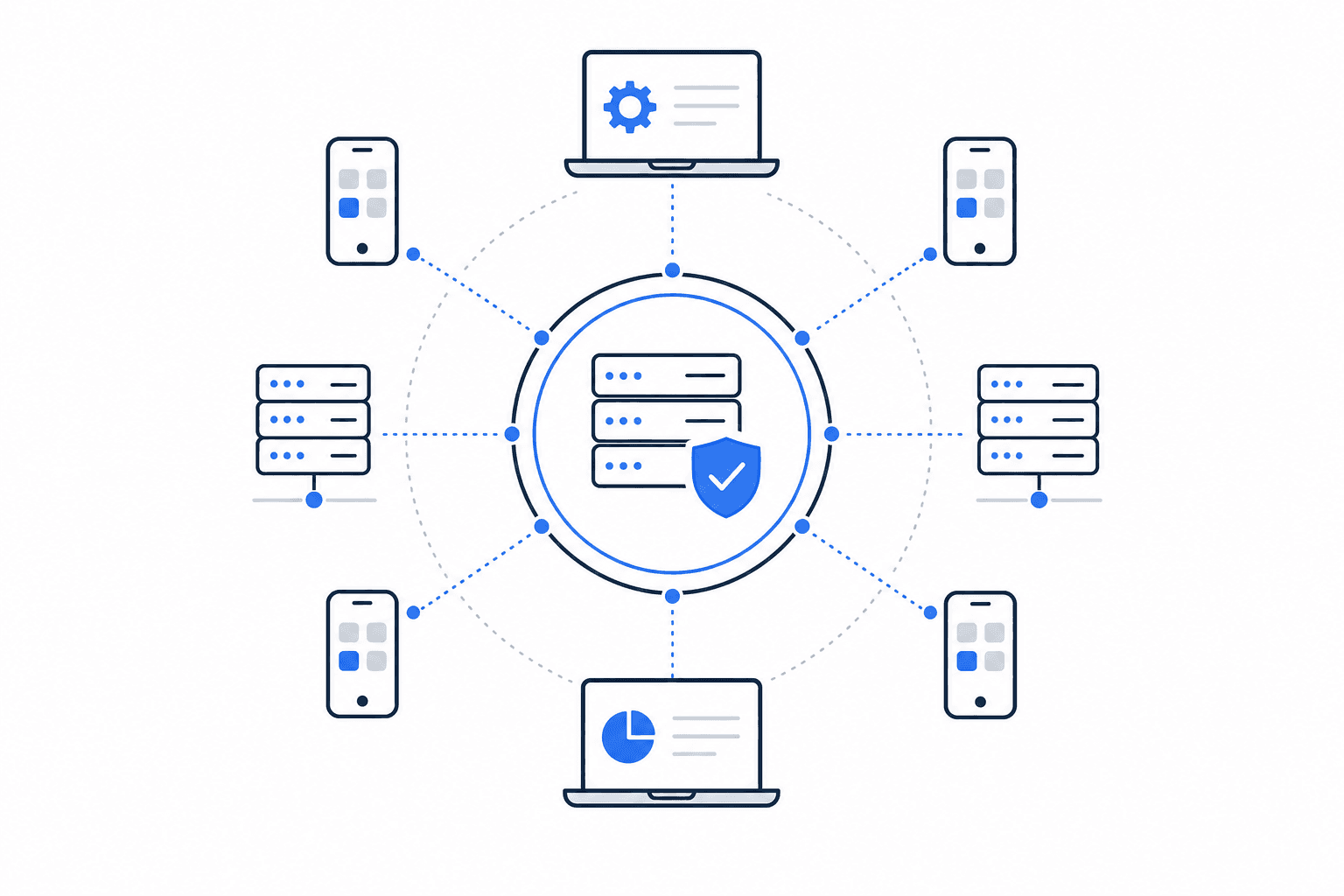
MSPs use software called RMM tools — short for Remote Monitoring and Management — that run quietly in the background on every computer and server in your office. Think of it like a security camera that watches your systems 24/7 and sends alerts when something looks off. Over the weekend, that software might have flagged:
- A server that's running low on storage space
- Three laptops that haven't received their Windows security updates
- A backup that failed at 2 a.m. Saturday
None of these are emergencies yet. But all of them become emergencies if nobody catches them. The MSP tech reviews these alerts Monday morning and starts working through the list before your receptionist has logged in.
The practical takeaway: Ask your MSP what their Monday morning process looks like. A good one should be able to describe exactly what they check and how they prioritize it. If they can't answer that clearly, that's a red flag.
Tuesday–Wednesday: The Stuff That Keeps You Off the News
Cybersecurity isn't a one-time setup. It's a continuous process, and a significant chunk of your MSP's week goes toward it — even when nothing dramatic is happening.
Here's what that looks like in practice for a 20-person accounting firm:
Patch management
Patches are software updates that fix security vulnerabilities — holes in programs that hackers can use to get into your systems. Microsoft releases patches every second Tuesday of the month (called "Patch Tuesday" in the IT world). Your MSP reviews those patches, tests them to make sure they won't break anything, and then pushes them to your computers in a controlled way — usually overnight so nobody's workday gets interrupted.
This sounds boring. It is boring. It's also one of the most important things standing between you and a ransomware attack. Ransomware is a type of malware (malicious software) that locks your files and demands payment to restore them. A huge percentage of ransomware attacks exploit patches that were available months before the attack — businesses just never installed them.
Security alerts and threat monitoring
Your MSP is also watching your email environment and network for unusual activity. If someone in your office clicks a suspicious link, or if a login attempt comes from a country you've never done business with, a good MSP catches that and investigates before it becomes a business email compromise situation that costs you six figures.
The practical takeaway: Ask your MSP for a monthly security report. It doesn't need to be technical — just a plain-language summary of what they found and what they did about it.
Thursday: Your Employees Actually Get Help
This is the part of the week your staff notices most.
A good MSP runs a helpdesk — a dedicated support system where employees can submit tickets (requests for help) by email, phone, or a simple app. When your office manager can't print, when the new hire's laptop won't connect to Wi-Fi, when QuickBooks is throwing an error nobody's seen before — that's where they go.
For a lot of small businesses, this is a revelation. Right now, those calls probably go to you, or to whoever in the office is "good with computers." That person is not an IT professional. They're just the least-confused person in the room, and every hour they spend troubleshooting is an hour they're not doing their actual job.
A proper helpdesk changes that dynamic entirely. Employees get real help from people who know what they're doing, usually within a defined response window. You stop being the de facto IT department. If this sounds familiar, this post on why employees keep calling you to fix their computers goes deeper on why that shift matters.
The practical takeaway: When evaluating an MSP, ask specifically about their helpdesk hours, average response time, and whether support is handled by their own staff or outsourced to a third party.
Friday: Planning for What Hasn't Broken Yet
Friday is often when MSPs do the work that's hardest to explain but most valuable in the long run: strategic planning.
This isn't just big-company stuff. For a 25-person construction company, it might look like:
- Reviewing which computers are more than four years old and flagging them for replacement before they die mid-project
- Checking whether your current internet plan can handle the video conferencing load you've added since hiring remote staff
- Noting that your file server (the central computer where everyone stores shared documents) is running an operating system that Microsoft stops supporting next year
None of these are fires. All of them become fires if nobody's paying attention.
A good MSP brings this information to you in a quarterly business review — a regular meeting where they summarize what's working, what's aging out, and what they'd recommend for the next three to six months. This is where managed IT shifts from "IT support" to something closer to having a part-time technology advisor on staff.
This is also the difference between reactive and proactive IT — and it's a meaningful one. If you've ever dealt with a break-fix shop (a company that only shows up when something's already broken), you know how expensive and stressful that model gets. This post on reactive vs. proactive IT breaks down the cost difference in real terms.
The practical takeaway: Before signing with any MSP, ask whether quarterly business reviews are included in your contract — and what format they take. A one-page email doesn't count.
What Most Small Businesses Get Wrong
Here's the misconception that costs businesses the most: they think managed IT is just faster break-fix.
Break-fix IT means calling someone when something stops working. Managed IT means having someone whose job is to make sure things don't stop working in the first place. Those are fundamentally different services with fundamentally different cost structures.
When business owners evaluate MSPs purely on price — "they charge $X per computer per month, that other company charges $Y" — they're often comparing apples to oranges. One MSP might include 24/7 monitoring, patch management, backup verification, and a staffed helpdesk. Another might include a monitoring tool that sends alerts to a shared inbox nobody checks until Tuesday.
The work described in this post — the Monday morning review, the patch testing, the security monitoring, the strategic planning — all of that takes real time from real people. If a quote seems unusually low, it's worth asking exactly which of these things are included and how often they actually happen.
How to Think About This for Your Business
Here's a simple way to frame the decision based on where you are right now:
| Your situation | What this probably means |
|---|---|
| Fewer than 10 employees, mostly cloud-based tools, no compliance requirements | You might not need a full MSP yet — but you do need someone to call when things break |
| 10–30 employees, mix of local and cloud systems, handling client data | Managed IT is worth a serious look — the monitoring and helpdesk alone pay for themselves |
| 30+ employees, regulated industry (healthcare, legal, finance), or remote staff | Managed IT isn't optional at this point — the question is which MSP, not whether to have one |
| Any size, recent security scare or data incident | You need managed IT and a security assessment before anything else |
If you're in that middle group — 10 to 50 employees, growing, handling client information — the math usually works out. The cost of one bad ransomware incident, one day of full-office downtime, or one data breach almost always exceeds a full year of managed IT fees.
What you're really buying isn't tech support. You're buying the Monday morning review that catches the failing backup before it matters. You're buying the patch that closes the door before someone walks through it. You're buying the quarterly conversation where someone tells you that three of your computers are one bad day away from taking your billing system with them.
If you're ready to find out what that looks like from a local provider who can actually show up when you need them, the TopMSPs directory lets you search by ZIP code and find vetted managed IT providers in your area. It takes about two minutes, and you'll have a short list of real companies to call.
The unglamorous truth about managed IT is that the best weeks are the ones where nothing happens — where your staff never thinks about their computers, your data is quietly backed up, and your systems are quietly patched. That invisibility is the product.
If you've been wondering whether your MSP is actually doing anything, now you know what to look for. Ask about the Monday morning review. Ask about patch management. Ask about the quarterly business review. A good MSP will have clear, specific answers. And if they don't, the TopMSPs directory is a good place to start finding one who does.
Related Guides

Find a Local MSP Near You
Search the TopMSPs directory to find vetted managed IT providers in your area. Enter your ZIP code and compare local options.