Reactive vs. Proactive IT: Why Your Break-Fix Shop Is Costing You More Than an MSP
You called your IT guy at 9 a.m. on a Tuesday. By noon, he still hadn't called back. By 2 p.m., three of your employees were sitting idle because the server tha...
TopMSPs Editorial
MSP Research Team
You called your IT guy at 9 a.m. on a Tuesday. By noon, he still hadn't called back. By 2 p.m., three of your employees were sitting idle because the server that runs your practice management software was down. By the time someone showed up at 4 p.m., you'd lost a full day of billing. Sound familiar?
Most small businesses run their IT exactly this way — calling someone when something breaks, paying for the repair, and hoping it doesn't happen again. It's called break-fix IT, and it feels like the cheaper option right up until the moment it isn't.
This post will walk you through the real difference between break-fix IT and a managed service provider (MSP) — a company that monitors and maintains your technology on an ongoing basis, instead of just showing up when things go wrong. By the end, you'll have a clear picture of what each model actually costs, which one makes more sense for your business, and how to find the right fit.
What Break-Fix IT Actually Looks Like in Practice
Break-fix is exactly what it sounds like: something breaks, you call someone, they fix it, you pay them. There's no ongoing relationship, no monthly fee, and no one watching your systems between visits.
For a lot of small businesses — a 6-person real estate office, a solo accountant with two staff members, a small retail shop — this feels perfectly reasonable. You're not running a hospital. How much IT support do you really need?
The problem is that break-fix shops are only ever responding to what's already gone wrong. They're not watching for the warning signs that your server is about to fail, or that someone on your team clicked a suspicious email link last Thursday, or that your backup system quietly stopped running six weeks ago. They find out when you find out — after the damage is done.
Practical takeaway: If your IT support relationship starts with you calling them in a panic, that's break-fix. There's nothing wrong with knowing what you have — but it's worth understanding what that costs you.
The Hidden Costs of "Cheaper" IT Support
Break-fix feels affordable because you only pay when something happens. But that math gets complicated fast.
Consider a 15-person accounting firm. Their file server goes down during tax season. The break-fix tech charges $150/hour, spends four hours diagnosing and repairing the issue, and bills you $600. That's the invoice you see. What you don't see on the invoice:
- 15 employees at an average of $25/hour, unable to work for half a day = $1,875 in lost labor
- One client appointment that had to be rescheduled
- The stress of calling clients to explain the delay
- The discovery that your last working backup was 11 days old
The $600 repair bill was the smallest part of that day.
An MSP, by contrast, would typically have been monitoring that server's health metrics — things like disk space, error logs, and temperature readings — and flagged a warning before it failed. In many cases, they would have scheduled maintenance during off-hours before you ever knew there was a problem.
Practical takeaway: When you're comparing break-fix costs to MSP costs, include lost employee productivity in your math. That's usually the biggest number in the room.
What "Proactive IT" Actually Means (And Why It Matters)
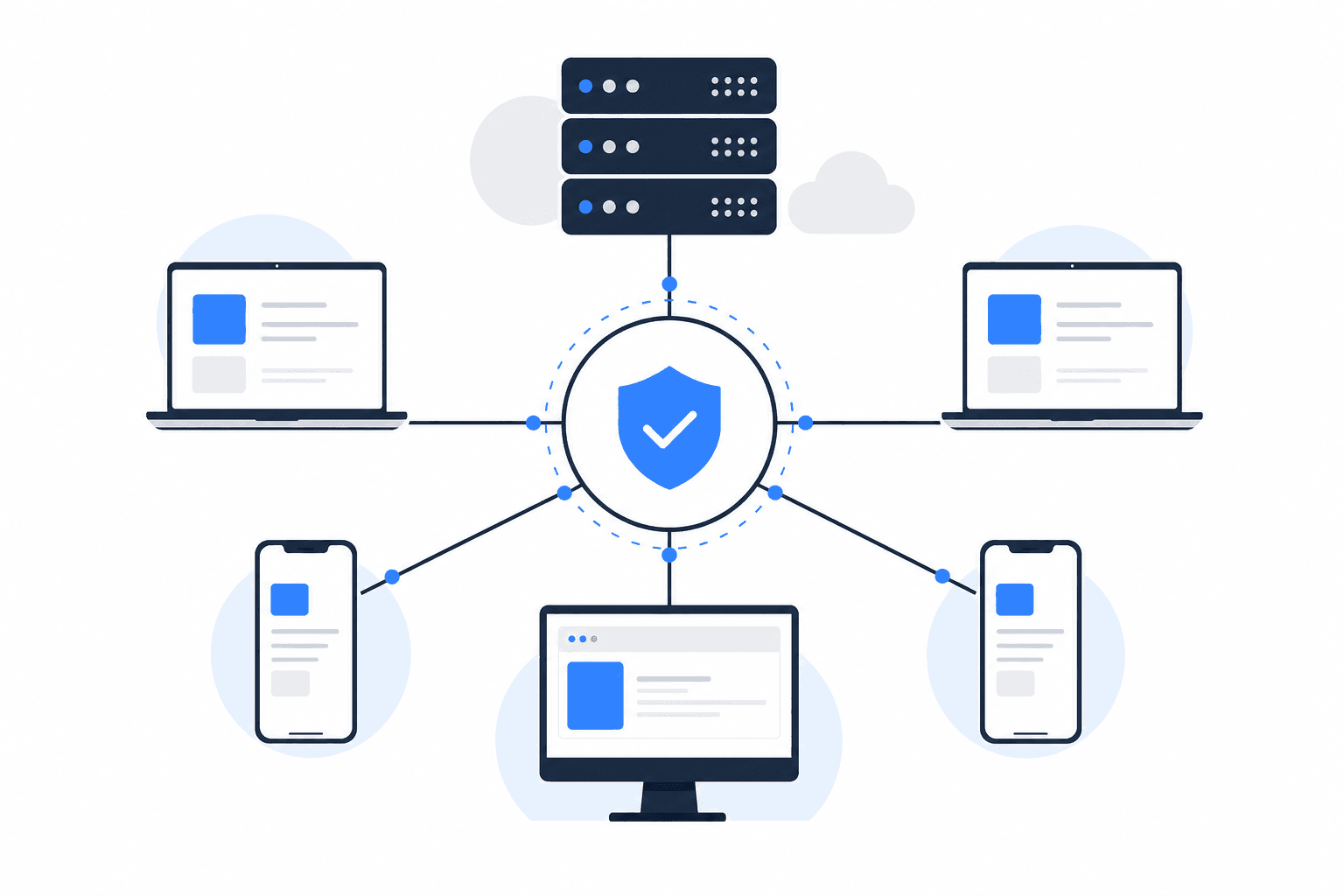
Proactive IT support means your provider is actively monitoring and maintaining your systems before problems occur, rather than waiting for you to report one.
Here's a simple comparison of what that looks like day-to-day:
| Situation | Break-Fix Response | MSP Response |
|---|---|---|
| Server disk is 90% full | You find out when it crashes | MSP gets an alert and clears space before it's a problem |
| Employee clicks phishing email | You find out when accounts are compromised | MSP's security tools flag and quarantine the threat |
| Software update contains a security patch | Updates happen whenever someone remembers | MSP pushes updates on a schedule, overnight |
| Backup system stops working | You find out when you need to restore files | MSP monitors backup jobs daily and fixes failures immediately |
| New employee needs laptop set up | You call your IT guy and wait | MSP has a standard onboarding process, usually same-day |
None of those MSP responses require you to do anything. That's the point. You're running a dental practice or a law firm — your job isn't to think about whether your backups ran last night.
Practical takeaway: Proactive IT isn't a luxury feature. It's the difference between preventing a problem and cleaning up after one. The cleanup almost always costs more.
What Most Small Businesses Get Wrong About MSP Pricing
Here's the misconception that keeps a lot of business owners stuck with break-fix longer than they should be: they see the MSP's monthly fee and assume break-fix is cheaper because they're "not paying anything right now."
The monthly fee for a managed IT contract — typically somewhere between $75 and $150 per user per month, depending on your location and what's included — feels like a new expense. Break-fix feels free until the bill arrives.
But break-fix costs are unpredictable by design. You might spend nothing for three months and then get hit with a $2,000 repair bill and two days of downtime. An MSP flattens that curve. You know exactly what you're paying every month, and a big chunk of what you'd have been paying for in emergencies simply doesn't happen.
There's also a security angle worth taking seriously. If you want to go deeper on why small businesses are more exposed than they think, this post on ransomware and what your MSP should be doing about it is worth reading before your next IT conversation.
Practical takeaway: Ask your break-fix shop what you've spent with them over the last 12 months — including downtime hours. Then compare that to an MSP quote. Most business owners are surprised by the number.
Questions to Ask Before You Sign Anything
Whether you're evaluating your current break-fix situation or talking to an MSP for the first time, these questions will tell you quickly whether a provider is the right fit.
Questions to ask a break-fix shop:
- What's your average response time when I call with a critical issue?
- Do you monitor my systems between service calls?
- What happens to my data if my server fails tonight?
Questions to ask an MSP:
- What's included in the monthly fee, and what costs extra?
- How do you handle after-hours emergencies?
- Do you have experience with businesses in my industry? (This matters more for healthcare, legal, and finance, where compliance requirements apply.)
- What does your onboarding process look like — how long until you actually know my systems?
- Can I talk to a current client in a similar business?
A good MSP will answer all of these without hesitation. If they're vague about response times or can't explain what's included in plain language, keep looking.
How to Think About This for Your Business
Not every business is at the same point. Here's a straightforward way to think about where you fall:
You're probably fine with break-fix if:
- You have fewer than 5 employees
- Your business doesn't depend heavily on specific software or shared files
- A half-day of downtime would be an inconvenience, not a crisis
- You have no regulatory or compliance requirements around data
You should seriously consider an MSP if:
- You have 10 or more employees sharing files, software, or a network
- Your business would stop functioning if your systems went down for a day
- You handle sensitive client data — patient records, financial information, legal files
- You've had a scare in the last year — a virus, a lost file, an outage — and you're not sure it won't happen again
- You're currently relying on one person who "handles IT" as a side responsibility to their actual job
That last one is more common than most business owners realize. A lot of 20-person companies have someone on staff who is good with computers and ends up being the de facto IT department. That person is not monitoring your backups, managing your security patches, or available at 8 a.m. on a Monday when the internet is down. They're also probably not happy about being that person.
If any of those scenarios sound like your business, it's worth having a conversation with a local MSP. You're not committing to anything — you're just getting a real picture of what proper IT support would look like and cost for a company your size.
Search the TopMSPs directory by ZIP code to find vetted managed IT providers in your area. You can filter by location and see providers who work with businesses like yours.
The Bottom Line
Break-fix IT isn't bad because the people doing it are bad. It's bad as a strategy because it's built entirely around reacting to problems rather than preventing them. For a business that depends on its technology — and most businesses do, even if they don't think of themselves that way — that's a significant and ongoing risk.
An MSP doesn't just fix your computers. They keep your team working, your data protected, and your systems running in the background while you focus on actually running your business.
If you're ready to find out what that looks like in your area, start with the TopMSPs directory and search for providers near you. Most will offer a free consultation — it's a low-stakes way to find out whether the switch makes sense for where your business is right now.
Related Guides
Find a Local MSP Near You
Search the TopMSPs directory to find vetted managed IT providers in your area. Enter your ZIP code and compare local options.